Traveler reviews
Choose your package
Select an option to see its live dates and timings.
Highlights
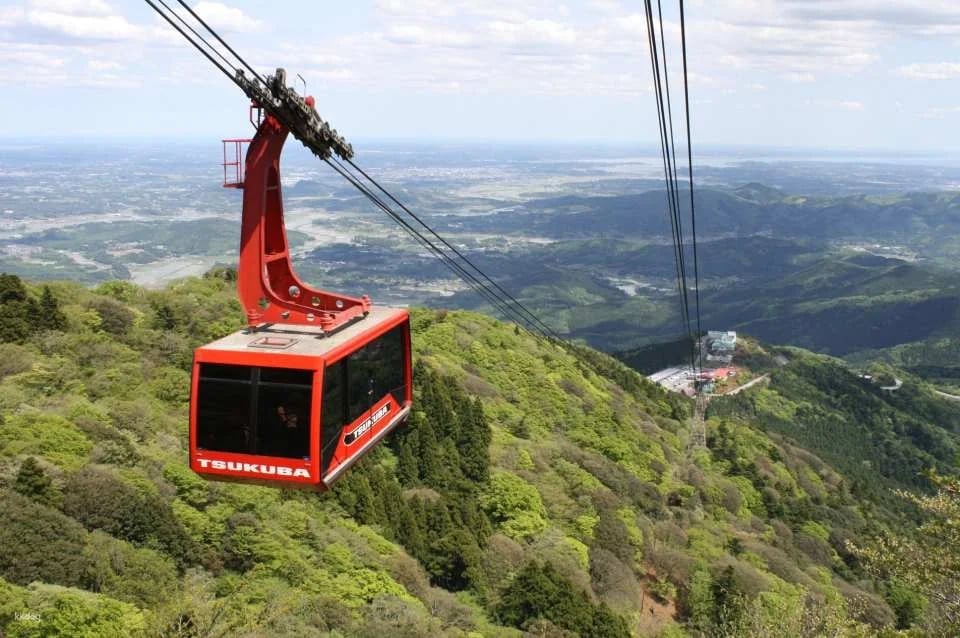
- Experience breathtaking views from Mount Tsukuba's summit with a cable car on Nantai-san and a ropeway on Nyotai-san.
- Access the summit in just 8 minutes, enjoying Japan's leading cable car ride to Miyukigahara.
- Explore magnificent nature at Mount Tsukuba, located in Tsukuba City, Ibaraki Prefecture.
- Connect from Miyawaki Station next to Tsukuba-san Shrine to Tsukuba-san Summit Station effortlessly.
- Purchase tickets last minute for a spontaneous adventure up Japan's scenic Mount Tsukuba.
Your Experience
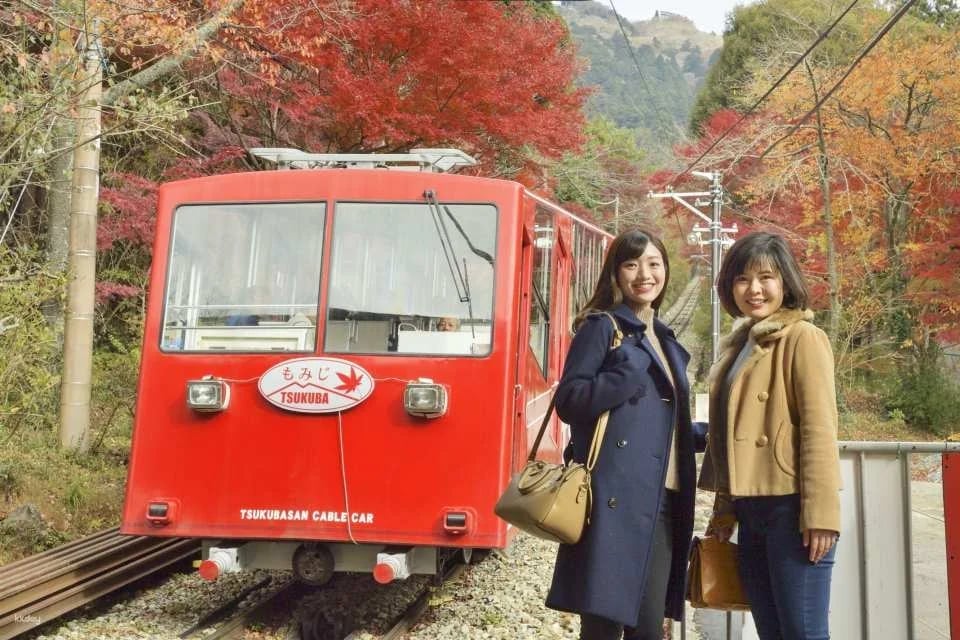
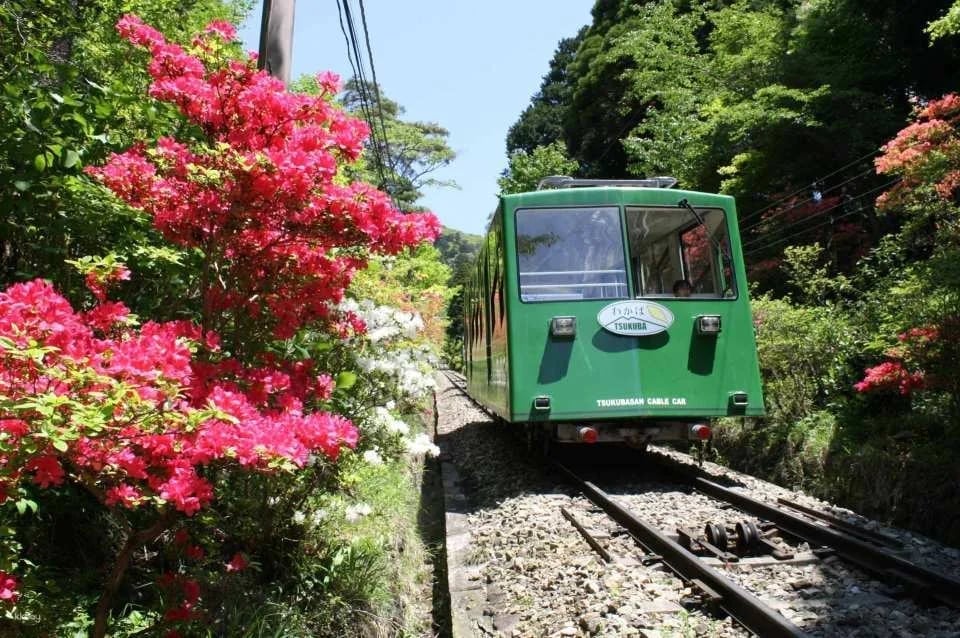
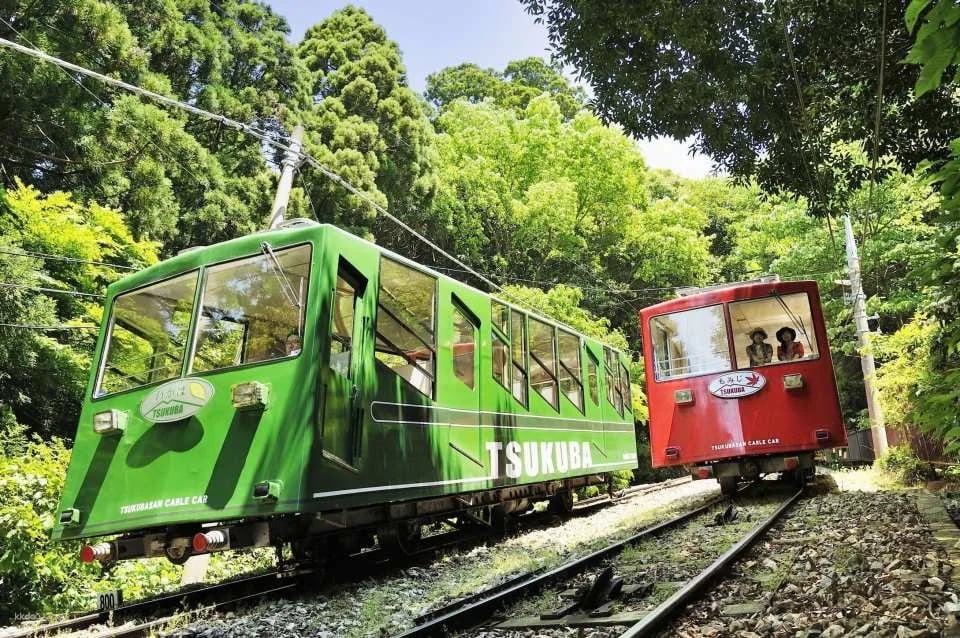
Last minute purchases possible! To access the summit, you can take a cable car on the Nantai-san side and a ropeway on the Nyotai-san side. Enjoy the magnificent nature at Mount Tsukuba.
Experience Highlights
Mount Tsukuba is located at the northern end of Tsukuba City, Ibaraki Prefecture, known for its beautiful scenery and hiking trails. It connects Miyawaki Station next to Tsukuba-san Shrine to Tsukuba-san Summit Station. This cable car is one of Japan's leading, with a total length of 1634m, a height difference of 495m, and a speed of 3.6m per second, taking just 8 minutes to reach the summit station of Miyukigahara.
Inclusions & Exclusions
- Other expenses not mentioned above
- Personal expenses
This product offers multiple ticket options. Some items above (like transfers or fast-track access) may only apply to specific options — confirm what's included when you select yours.
Must Know
- "Adult" tickets are for junior high school students and above. "Child" tickets are for elementary school students.
Ticket Delivery
At the reception, please open the usage page using the link in the voucher sent to you at the time of purchase, press the "Use" button, and show the screen to a staff member.
- Please open the web page on your smartphone and check your network environment.
- Screenshots or printouts are not acceptable.
- For security reasons, you may be asked to provide a One-Time Password (OTP) for authentication. If so, please follow the steps below:
1. Enter the email address where you want to receive the OTP and press the Send button.
2. Check that the OTP has been sent to the email address you set in the above step. (Please also check your spam folder. If you can't find it there, your email address may be incorrect. Please reopen the URL of the usage screen and try again by entering your email address.)
3. Enter the OTP in the received email on the ticket screen and press the Confirm button. If you enter it correctly, the usage screen will be displayed. (After OTP authentication, the OTP will be sent to the email address you set. This email address cannot be changed, so please set an email address that can be confirmed on-site on the day.)
Cancellation Policy
These tickets can't be rescheduled or cancelled.